

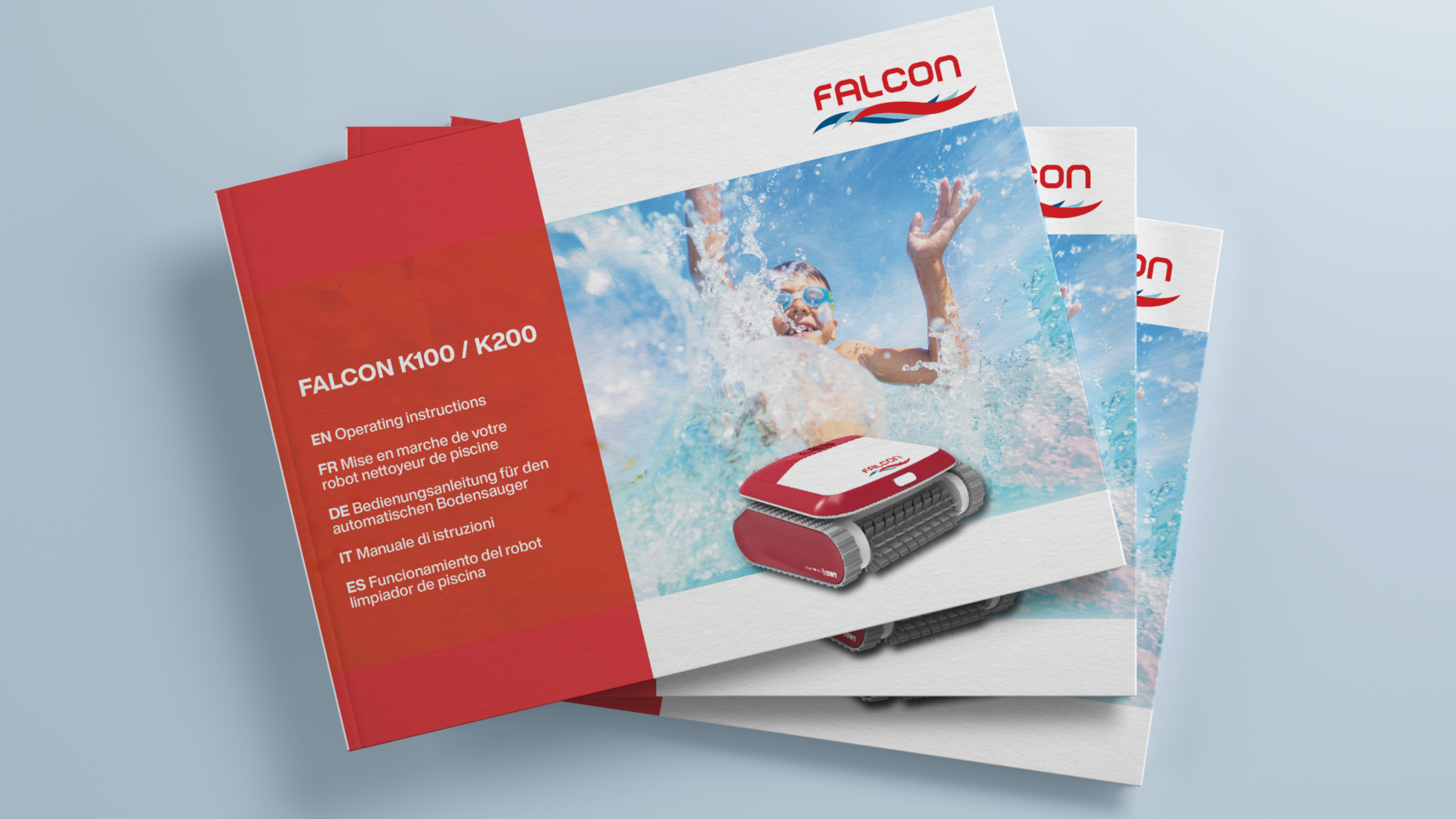
Congratulations – you’ve created a fantastic new product.
There is only one issue. To bring it to the world, you’re going to need to create a user manual.
It’s easy to forget that you have to tell people how to use your creation when you’re busy innovating, but an effective user guide is an essential part of every successful product.
What is a User Guide?
Whether you’re targeting consumers, other businesses or big industry, your customers need to understand how to use what you’re selling.
A user manual (or instruction manual) helps your end customers to get the most out of your product or service by showing them how to use it properly, effectively and/or safely. It contains all of the information they need about how to use, assemble, do or programme something.
A user guide, by definition, should be user-friendly with clear, easy-to-understand instructions.
It should also fulfil any legal and safety requirements related to your product and sector.
Here are the big dos and don’ts for creating an effective user guide.
Do This When Writing a User Manual
- Try to answer all of the questions a user might have (think what, how, why in particular)
- Use simple, plain language that is easy to understand
- Use visuals such as images, graphics, tables and diagrams where possible
- Organise information in a logical hierarchy
- Provide a table of contents to aid navigation
- Be precise in your writing
- Take a step-by-step approach to writing instructions
- Be consistent in the terminology and formatting that you use
- Think about accessibility and the different forms your user manual may need to be in (eg other languages, Braille, audio)
- Test your user guide with real consumers to identify any missing information or unclear areas
- Make sure you meet all of the legal requirements for user guide content in your country/sector
- Provide contact details and links that customers can use to get support and more information
Don’t Do This When Writing a User Manual
- Don’t use jargon, acronyms or buzzwords that your end user won’t be familiar with
- Don’t allow poor spelling and grammar that may confuse readers
- Don’t use a complicated or fussy design
- Don’t make your user manual too long
- Don’t skip supporting information such as tools the user may need, recommended number of people to assemble, space required
- Don’t include overly promotional or sales material
- Don’t to answer too many questions in the same paragraph or section
- Don’t bury important information in long paragraphs
- Don’t let information get out of date. It’s important to keep updating your user guide over time.
Remember the most important element in a user guide is the user. If you put yourself in their shoes while you are writing your user manual, the end result will be a lot more valuable and user-friendly.
We can help you get it right with our user manual writing service. Get in touch to find out more.